


This is one of the most common questions in creator forums. This can raise a lot of questions: Did I do something wrong? Is someone taking a cut? Where did my revenue go? Where’s the issue?
Thus, creators often search for answers like “Why is my AdSense balance not matching YouTube analytics?” or “Why does YouTube analytics revenue differ?”
But there’s no mistake or fraud here. The truth is simple: the two dashboards measure revenue at different stages.
One shows estimates. The other shows processed payments.
Once you understand the mechanics behind YouTube's estimated revenue vs AdSense reporting, these gaps stop looking mysterious.
First Things First: YouTube Analytics ≠ AdSense
YouTube Analytics displays estimated earnings tied to views, impressions, and ad interactions.
These numbers update quickly. They help creators track performance in near-real time.
AdSense works differently.
AdSense records finalized advertising income after verification, adjustments, and reconciliation across Google’s ad systems.
That means the two dashboards operate on different timelines.
Example:
A creator might see $1,200 estimated in YouTube Studio by the end of the month. When the same revenue moves to AdSense, the final value may appear closer to $1,070.
The difference does not mean money disappeared. It reflects the processing stage between estimates and finalized advertising income.
👉 Learn more about how to withdraw your AdSense income.
The Most Common Reasons Your Numbers Don’t Match
Several hidden processes sit between estimated YouTube revenue and finalized AdSense income, which explains why the numbers rarely align perfectly.
Reporting Delays Between Platforms
YouTube Studio updates daily.
AdSense processes finalized income on a monthly schedule.
Because of this timing gap, an AdSense revenue delay is normal. The system needs time to validate ad impressions, confirm advertiser charges, and reconcile campaigns.
Example:
Views generated on March 28–31 may appear in YouTube estimates immediately. AdSense might only finalize that portion several weeks later.
During this period, the numbers look inconsistent.
Invalid Traffic And Advertiser Adjustments
Google filters suspicious activity from advertising reports.
If the system detects invalid clicks, bot traffic, or repeated ad refresh patterns, revenue linked to those impressions may be removed.
Creators rarely notice this during daily analytics checks. The adjustment usually happens before income enters AdSense.
This is one of the main reasons people ask why AdSense pays less than expected.
Example:
A sudden spike of traffic from low-quality sources can inflate estimated revenue in Studio. Once Google reviews the traffic, the invalid portion disappears from the final advertising income.
Refunds, Chargebacks, And Advertiser Disputes
Advertisers occasionally dispute charges.
If a campaign receives fraudulent traffic or technical delivery issues, the advertiser may request credit adjustments.
Google may then update the finalized revenue.
These changes usually happen behind the scenes. Creators only see the result when the processed total appears inside AdSense.
That creates another layer of YouTube payment discrepancies.
Currency Conversion And Tax Effects
YouTube calculates advertising income in the advertiser’s billing currency.
AdSense converts that revenue into the currency linked to your account.
Exchange rates fluctuate daily. Even small currency shifts can change the final amount.
Taxes may also apply depending on your country, tax treaty status, and withholding requirements.
Example:
A creator earning revenue from US advertisers might see income estimated in USD. If their AdSense account pays in EUR, the conversion rate at settlement may slightly change the final total.
Payment Mechanics That Can Confuse
Seasoned creators might misunderstand how YouTube’s payment system works, since revenue moves through several stages before reaching the final AdSense balance.
Payment Thresholds And Holds
AdSense pays creators only after the account reaches the payment threshold.
Currently, that threshold is $100 (or equivalent in the local currencies).
If your monthly finalized income stays below this amount, the balance carries forward to the next month.
This sometimes leads creators to believe revenue disappeared when it simply rolled into the next payment cycle.
Timing of Payouts vs Earned Revenue
YouTube revenue flows through several stages before reaching a bank account.
Views generate advertising activity.
Estimated earnings appear in YouTube Studio.
Google verifies impressions and filters traffic.
Final income moves to AdSense.
Payment triggers after the monthly threshold and schedule.
Because of this chain, the money earned this month often arrives the following month.
Many creators confuse these stages when comparing YouTube estimated revenue vs AdSense totals.
Take Control of Your YouTube Income
Move your channel revenue when it suits you. Send funds to a bank account, card, e-wallet, or crypto wallet in more than 40 currencies. MilX gives creators full control from the first withdrawal.
When a Mismatch Is Normal And When It’s a Red Flag
Most differences between dashboards are routine.
YouTube Analytics updates quickly because it tracks performance signals, views, ad impressions, and engagement patterns. AdSense, on the other hand, records finalized advertising income after Google completes verification.
Because these systems operate on different timelines, small differences are common.
For example, a creator may see $2,400 in estimated revenue in YouTube Studio at the end of the month. When the same income appears in AdSense weeks later, the finalized number may settle closer to $2,280. Adjustments like traffic validation or advertiser billing corrections often explain the gap.
In most cases, this is simply the normal difference between estimates and processed advertising income.
What Cases Deserve Closer Attention?
A large drop between estimated and finalized revenue may indicate a traffic quality issue. If a channel receives unusual spikes from low-quality sources or automated clicks, Google may remove those impressions during verification.
Another warning sign is repeated invalid traffic deductions across multiple months. Occasional filtering is normal, but consistent deductions may signal problems with traffic sources, embedded players, or third-party promotion methods.
Creators should also pay attention to changes in monetization status. If certain videos lose ad eligibility or fall under restricted advertising categories, finalized income may drop even if views continue rising.
Another red flag involves unusual reporting delays. AdSense normally reflects finalized income within several weeks after the end of the month. If revenue fails to appear far beyond that cycle, reviewing account notifications and payment settings becomes important.
One practical step is to check traffic reports inside YouTube Studio.
Look at where viewers come from. Reliable traffic sources usually include search, suggested videos, and channel pages. Sudden bursts from unknown external sites may trigger verification filters.
It also helps to compare revenue trends across several months instead of focusing on a single payment cycle. Advertising demand changes during the year, and seasonal shifts can affect finalized income.
Most mismatches between dashboards are temporary.
But when discrepancies repeat, grow larger over time, or coincide with unusual traffic patterns, it’s worth investigating the cause early.
👉 Check out this guide to understand AdSense for YouTube's payment process.

How to Reconcile Numbers Step by Step
For clarity, you can follow a simple review process.
The key is to stop comparing numbers on the same day and expecting them to match perfectly.
Start With the Full Closed Month
For example, if you are checking April's income, wait until AdSense has had enough time to process and finalize that period. Looking too early creates confusion because YouTube may still show estimates while AdSense has not yet posted the finalized amount.
First, compare the monthly estimated revenue in YouTube Studio with the finalized earnings that appear in AdSense several weeks later.
Do not compare daily snapshots unless you are tracking a specific issue. Daily numbers shift more often. Monthly data gives a clearer picture and reduces noise.
A small difference is expected. The goal is to understand whether the gap falls within a normal range.
Second, Check Traffic Sources
Open your YouTube traffic reports and look for anything unusual. Sudden spikes from unfamiliar websites, suspicious external embeds, or low-quality referral traffic can lead to invalid traffic filtering later.
Example:
If a video usually gets traffic from search, suggested videos, and browse features, but one week receives a sharp jump from random external pages, that traffic may inflate estimated revenue at first and then shrink during final processing.
This is one of the most common reasons behind YouTube payment discrepancies.
Third, Review Advertiser Demand Patterns
Not every drop means something went wrong. Ad rates change throughout the year. CPMs often rise during peak advertising periods and soften after them. That affects the value of your views even when the view count stays stable.
A creator may upload similar videos in two different months and still see different finalized revenue because advertiser budgets changed, viewer geography shifted, or watch time patterns changed.
So when you compare Studio and AdSense, also compare the month-to-month CPM and RPM trends.
Fourth, Compare Currencies And Tax Deductions
(*In case your AdSense payout uses a different currency.)
If your YouTube revenue is estimated in one currency but AdSense pays out in another, exchange rates can create a visible gap. Add tax withholding to that, and the final number may look smaller than expected.
This matters even more for global creators whose audiences, advertisers, and payout settings span multiple regions.
Fifth, Check For Account Alerts, Payment Holds, Or Monetization Issues
Sometimes the mismatch is not really about revenue calculations. It may come from a payment hold, missing verification, a tax form issue, or a monetization review affecting part of your content.
That is why it is smart to review AdSense notifications and YouTube monetization status alongside the revenue numbers.
A practical way to do this is to build a simple monthly check:
- Record estimated YouTube revenue for the closed month.
- Wait for AdSense to finalize the same period.
- Note the difference.
- Review traffic quality, CPM shifts, currency conversion, and taxes.
- Then look for alerts or restrictions.
After two or three months, patterns become easier to spot.
Following this process helps explain most cases of AdSense balance not matching YouTube analytics. It also helps creators separate normal reporting differences from real revenue problems.
Control When Your YouTube Income Arrives
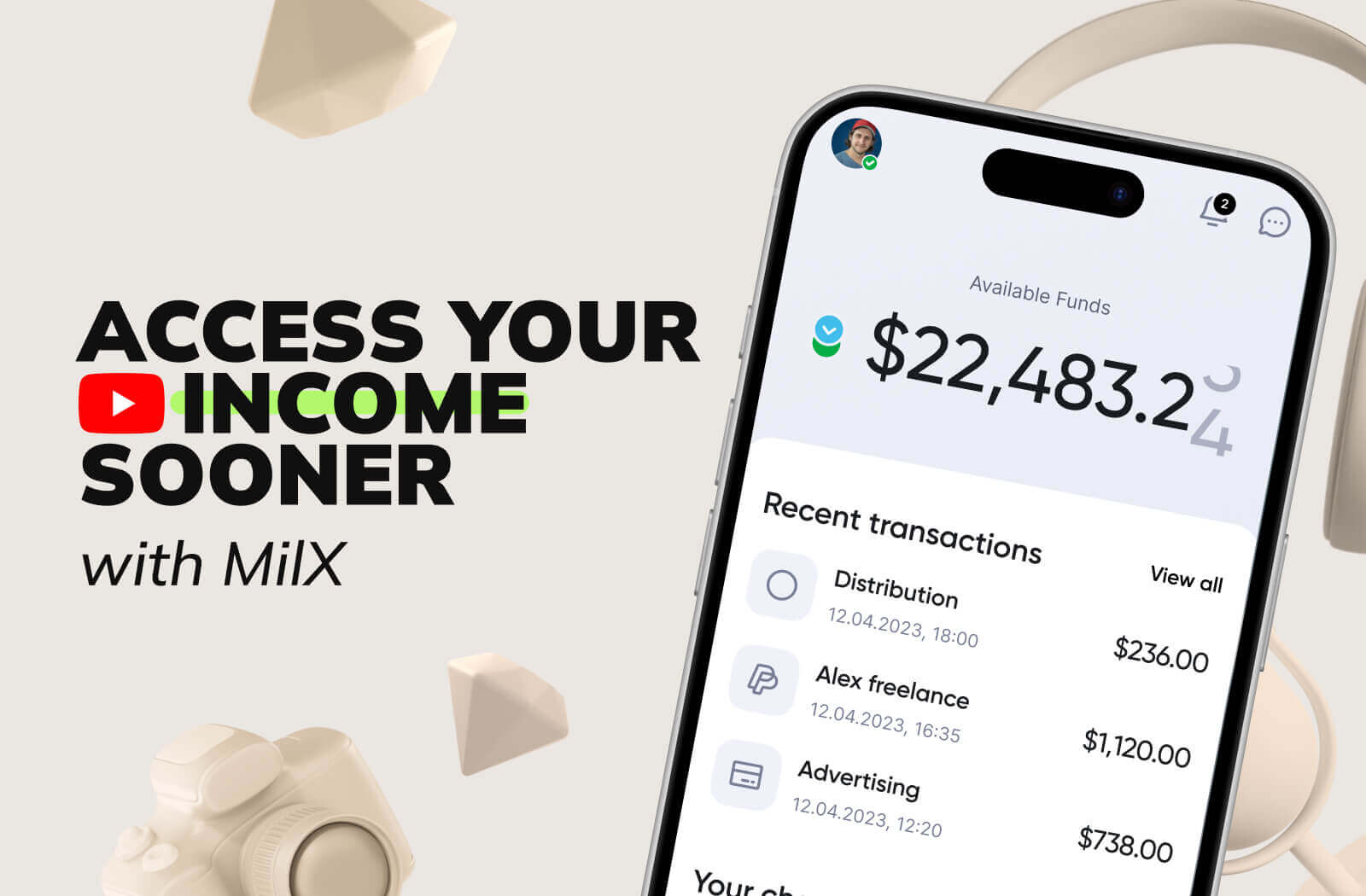
Waiting for monthly payouts slows many creators down. MilX allows you to cash out your YouTube income when you need. Eligible channels can also access Active Funds, which unlock part of the upcoming YouTube revenue before the regular AdSense payout cycle. Start with the MilX app and keep your channel’s cash flow moving.
How MilX Helps You Get YouTube Income Early
Waiting for monthly advertising payouts slows many creators down.
MilX provides tools that give creators more flexibility with their YouTube income.
Eligible channels can unlock Active Funds, which allows access to part of the upcoming YouTube revenue before the normal AdSense payout cycle.
Repayment happens automatically from future channel income, so creators do not need to track payments manually.
Many creators also use the platform to send fast P2P transfers to editors, designers, or collaborators.
Over 3,100 creators already rely on MilX to maintain a stable cash flow while their channels expand.
Instead of waiting for monthly advertising payouts, creators can cash out their YouTube income when they need it.
MilX helps them stay focused on production and growth while their finances move at the speed of their channel.