

But the next question hits fast: When do I get paid?
Many creators expect instant payouts once monetization is approved. In reality, payments follow a very specific system through Google AdSense for YouTube, and understanding that system saves a lot of confusion.
Let’s walk through how the YouTube payout process works with several steps, what can delay your money, and how creators handle cash flow while waiting for AdSense payments.
How YouTube AdSense Works: The 4 Steps That Unlock Your Money
How does YouTube pay creators? Before your earnings reach your bank account, YouTube runs them through Google AdSense, and a few key steps must happen first. Verification, payment setup, thresholds, and address confirmation all play a role in unlocking your payout.
Miss one detail, and your payment can be delayed for weeks.
Here’s how the YouTube payout system works, step by step, so you know exactly when your money moves and why it sometimes takes time.
You can also learn more about YouTube Payouts from the video of MilX’s partner, Ülviye Suna.
Before start check out more about the YouTube Partner Program payments and eligibility.
Step 1. Set Up Your AdSense Payment Details
How do YouTube creators get paid? Before YouTube can send any money, a few things must be completed inside your AdSense account.
Creators need to:
- verify personal information;
- submit tax details;
- choose a payment method;
- reach the payment threshold.
Each step unlocks the next one. Some of them also require minimum earnings.
For example, many countries have thresholds like:
- $10 – address verification begins;
- $20 – payment method selection;
- $200 – payout threshold.
Once all YouTube AdSense requirements are complete and the threshold is reached, AdSense can finally release the payment.
👉 Explore how to start monetization on YouTube.
Step 2. Understand YouTube’s Monthly Payment Cycle
YouTube does not pay creators instantly.
AdSense pays once per month, and payments always arrive after the revenue month ends.
Here’s how the timeline works:
- You earn revenue during a month.
- YouTube finalizes the calculations.
- AdSense sends the payment between the 21st and 26th of the following month.
Example:
- January earnings.
- finalized in February.
- paid between Feb 21–26.
This means creators always wait several weeks before receiving their income.

Step 3. Reach the $200 YouTube AdSense Payout Threshold
YouTube only sends a payment when your balance reaches the payment threshold.
For AdSense, that threshold is $200.
If your earnings are below that amount by the 20th of the month, the balance rolls over to the next month.
Example:
- February earnings = $180.
- below the threshold.
- payment delayed.
If March pushes the balance above $200, the payout arrives in April. For growing creators, this delay can stretch the wait even longer.
👉 Check out these myths and facts about YouTube monetization.
Step 4. Verify Your Address With the PIN Code
Before payments can start, YouTube must confirm your address.
To do this, Google sends a 6-digit PIN code by mail.
Creators then enter that PIN inside AdSense. The PIN normally arrives within 3–4 weeks.
Common reasons the PIN doesn’t arrive include:
- earnings below verification threshold;
- incomplete identity verification;
- incorrect mailing address;
- address is not suitable for standard mail.
Creators have four months to complete PIN verification. If the address remains unverified, YouTube may limit ad revenue.
Access Your YouTube Earnings Faster
Waiting weeks for payouts can slow down your channel growth: Editors need to be paid, equipment upgrades can’t wait, and new content ideas need funding. MilX helps creators access their YouTube income earlier and manage it more flexibly. Withdraw earnings sooner, choose from multiple payout methods, and keep your creative momentum moving. Try MilX today!
Adding or Changing Your Payment Method
To withdraw money from YouTube Adsense, you need to take several actions.
Inside AdSense, creators can add a payment method from the Payments → Payment Info section. Typically, YouTube AdSense payment methods include:
- bank transfer;
- EFT;
- check;
- PayPal (in some regions).
To update your payment method:
- Open AdSense;
- Go to Payments;
- Click Add payment method;
- Enter bank details;
- Set it as primary.
If you need to change your bank account or IBAN, simply add a new method and make it the primary one.
But timing matters.
Payment changes should be completed before the 20th of the month, otherwise your payout may be delayed.
Why Your AdSense Payment Might Be On Hold
Sometimes payments stop even after reaching the YouTube AdSense payout threshold. The most common reason is a payment hold. This usually happens when Google needs additional information to verify your account.
When a hold appears:
- check your AdSense dashboard;
- review any alerts;
- respond to verification emails.
Once the requested information is submitted, payments usually resume.
Estimated vs Finalized YouTube AdSense Earnings
Many creators notice a difference between numbers in YouTube Studio and AdSense.
That’s normal.
YouTube Studio shows estimated earnings.
AdSense displays finalized revenue after adjustments like:
- invalid traffic deductions;
- tax withholding;
- revenue corrections.
If the two numbers don’t match, AdSense is the final value.
Can You Have Multiple AdSense Accounts?
Google normally allows one AdSense account per person.
There is one exception:
If you operate as a company, you can have
- one personal account;
- one business account.
But two personal accounts are not allowed.
Turn Your YouTube Income Into Real Cash Flow
YouTube revenue grows month by month, but waiting for payouts can slow down your plans. MilX helps creators stay flexible. Access your income sooner, transfer money easily, and manage creator finances in one app. Download MilX and connect your channel.
What Happens When You Change AdSense Accounts?
Creators sometimes switch AdSense accounts when selling or transferring a channel.
When this happens:
- the new account usually activates within 24 hours;
- earnings transfer according to the YouTube AdSense payment schedule.
However, timing matters.
YouTube usually sends revenue to AdSense between the 7th and 12th of each month.
Changing accounts during this period can confuse balances.
👉 Discover more about the YouTube monetization eligibility for 2026.
Taxes and YouTube Income
AdSense also requires creators to submit tax information.
One important form is the W-8 tax form, used for non-U.S. creators.
If this form is not completed, Google may withhold taxes from global earnings at the highest rate.
To avoid unnecessary deductions, creators should submit their tax details before their first payout.
MilX: A Smarter Way to Manage Your YouTube Earnings
When you meet YouTube’s monetization requirements, the payout process can still raise a lot of questions.
Creators often ask:
- Where is my PIN code?
- Can I change my payment method?
- Why hasn’t my payment arrived yet?
Most of these issues come from the way AdSense payments are structured.
That’s why many creators use MilX.
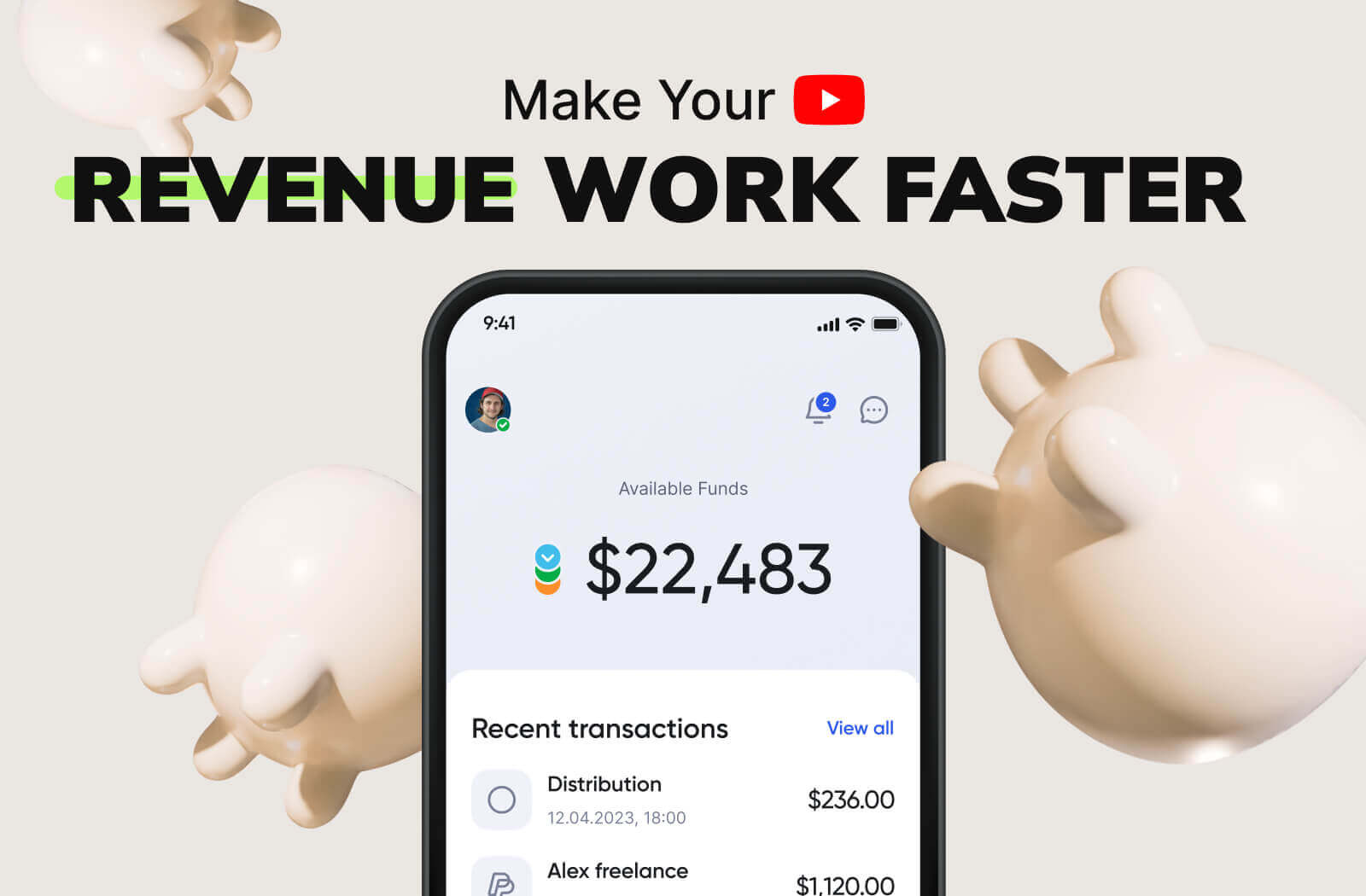
MilX doesn’t replace AdSense. It simply gives creators more control over their income.
With MilX, creators can:
- access YouTube earnings earlier;
- withdraw funds on flexible schedules;
- use multiple payout methods;
- transfer money to collaborators worldwide;
- manage creator income in one place.
You can even get early access to up to six months of your YouTube earnings, which helps creators reinvest in their channels without waiting for the next monthly payout.
👉 Learn more about the MilX app features and dashboard.
If your channel already earns consistent revenue and you want more flexibility with your creator finances, MilX helps turn YouTube income into real-time cash flow.