

Sponsorships are where real money moves on YouTube. But how much do sponsors pay YouTubers? And what should you charge?
In 2026, there’s no one-size-fits-all answer, just smart pricing strategies, niche benchmarks, and deal types that shape your rate.
This guide breaks it down: CPMs, flat fees, add-ons, and the numbers that actually close YouTube brand deals. Whether you’re pitching your first sponsor or renegotiating a six-figure package, start here.
What “Sponsorship Rate” Means in 2026 Deals
Sponsorships are business deals, and your content is the inventory. When brands ask how much you charge, they’re asking for a pricing structure tied to one thing: VALUE.
That value depends on your reach, watch time, niche, and format. But it’s also shaped by usage rights, exclusivity, and placement.
Let’s break it down by what brands really pay, and how to price your content with confidence.
👉 Get insights on how to get long-term partnerships.
The Most Popular Pricing Models for YouTubers
Before you quote a price, know which model fits your content best.
CPM - Cost Per Mille (1,000 Views)
This is the most common and predictable model. Sponsors pay a set rate per thousand views, usually based on your 30-day average.
👉 Learn more about CPM rates in 2026.
Sponsors like CPM because it scales with performance, more views, exposure, and value.
CPV - Cost Per View
Less common, but still used in performance-heavy niches like gaming or mobile apps. You charge per actual view.
Example: A gaming channel lands a CPV deal at $0.10 per view, and the video hits 60,000 views in the first week. Total payout: $6,000
Downside? You’re at the mercy of the algorithm, and sponsors know it.
Flat Fee - Simple and Scalable
This is where most creators start. You quote one number based on your past performance.
To avoid underselling, reverse-engineer your flat fee based on a realistic CPM and your view history.
If the sponsor wants a deliverable with bigger effort (like a dedicated video), multiply your CPM by 3x to 5x, depending on the ask.
Flat rates work best when:
- You have predictable performance.
- You want a guaranteed income.
- The brand wants bundled value (e.g., pinned comment, Shorts mention, or newsletter link).
CPA - Cost Per Action
You get paid when a viewer takes a specific action, usually a purchase, sign-up, or form completion. This is most common with affiliate-style partnerships or app promos.
Example: A brand pays $15 per signup using your unique link. If 200 viewers sign up, you get $3,000.
Downside: No guaranteed payout unless your audience converts. Works best when bundled with a flat minimum.
CPI - Cost Per Install
Popular with mobile app sponsors, especially in gaming, finance, or fitness. You’re paid per app install tracked via a custom link.
Example: $2 per install × 1,000 installs = $2,000 payout.
Often used alongside CPV or a base fee to de-risk for creators.
Revenue Share
You get a percentage of each sale you drive. More common in digital products, courses, or long-term creator-brand partnerships.
Example: You promote a $200 product and get 30% per sale. If 50 people buy, you make $3,000.
Works well with evergreen content, but payouts may take time and depend on trust.
Hybrid Model (Base Fee + Bonus)
You combine a guaranteed flat fee + performance bonus based on results (clicks, installs, sales, etc.).
Example: $1,500 flat fee + $1 per signup → A safer structure for creators + scalable for brands.
Licensing / UGC Buyout
You charge for creating video content that the brand will own and use elsewhere (but not post on your channel). This is growing fast as brands want more creator-style content for ads.
Example: You produce a 60-second branded video for $2,000, and the brand uses it for paid campaigns.
This falls under UGC (user-generated content) licensing, and the pricing depends on usage rights and duration.
Why Average Views Beat Subscriber Count
Subscribers look good on paper. But sponsors pay for attention, not potential.
What brands really want is guaranteed reach. And average views deliver exactly that, a real-world forecast of how many people will see their message.
A creator with 100,000 subscribers pulling 50,000 views per video is a better investment than someone with 1 million subs and 20,000 views. One converts attention. The other just has legacy numbers.
Example:
- Channel A: 1M subs, 20K views → low engagement.
- Channel B: 90K subs, 45K views → high engagement.
Sponsors will pay more for Channel B every time.
Screenshot your YouTube Studio analytics and include them in your sponsorship pitch. Always remember: data closes deals.
There's a free tool called pin.top that automatically scrapes your data, giving you neat, organized numbers from YouTube, Instagram, TikTok, and LinkedIn. Perfect for showcasing your performance to sponsors.

Benchmark Ranges by Channel Size and Expected Views
How much do YouTubers make from sponsors? Here’s a breakdown:
- Nano (1K–10K subs): $20–$200 per deal;
- Micro (10K–100K subs): $200–$1,000;
- Mid-tier (100K–500K subs): $1,000–$10,000;
- Macro (500K–1M subs): $10,000–$20,000;
- Mega (1M+ subs): $20,000+ and often much higher for dedicated videos.
But niche matters more than size. A 30K-subscriber creator in crypto will likely charge more than a 300K creator in a general lifestyle.
Advance Cash, Don’t Wait
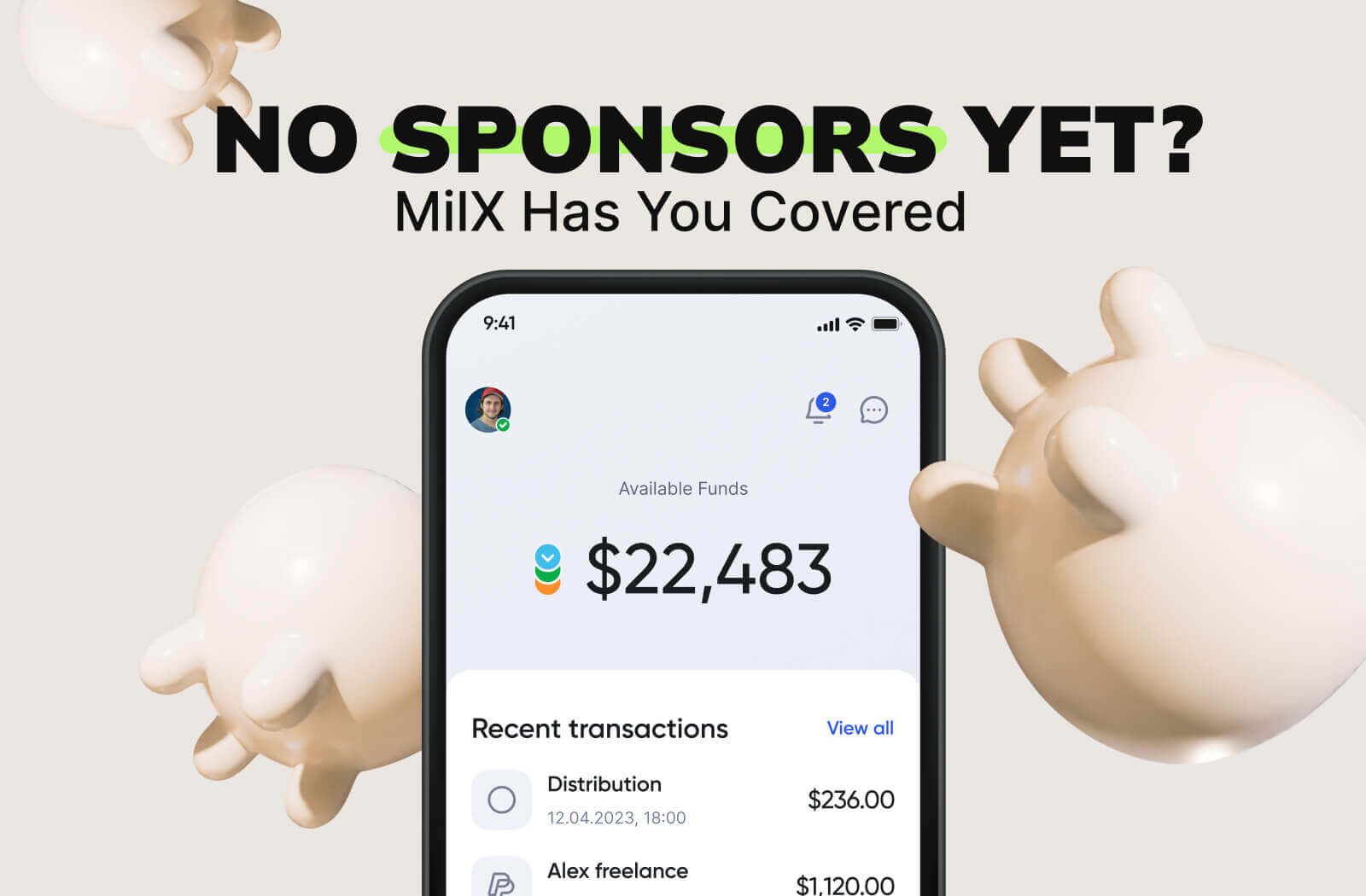
With MilX Active Funds, cash out up to 6 months of future YouTube payouts. Don’t wait for the next sponsor move when you need to.
Pricing by Deliverable Type
To answer the question “How much do YouTubers get paid for sponsorships?” you need to remember that every format has its own price tag:
- Mid-roll mention (30–60s): $40 CPM;
- Pre-roll ad (before intro): $45 CPM;
- Post-roll ad: $35 CPM;
- Dedicated video: 3–5× your standard CPM;
- YouTube Shorts: $200–$2,000, depending on views and niche.
Example: A creator with 25K average views might charge:
- $1,250 for an integrated ad (at $50 CPM).
- $5,000+ for a dedicated video (at $200 CPM).
Add-Ons That Raise the Price
Sponsors may want rights beyond your video. These extras aren’t freebies. They boost your value and should raise your rate.
Usage Rights
This lets the brand repost your video or clip it for their own channels. They benefit from your audience, your voice, and your editing, again and again.
Add 30–50% to your base rate.
Example: If your rate is $2,000, usage rights bump it to $2,600–$3,000.
Whitelisting
Whitelisting means the brand runs paid ads using your video or your face. It blends your content into their ad spend.
Add 50–100%.
If your video becomes part of their ad strategy, it’s working harder, and so should your payout.
Tip: Set clear time limits (e.g., “30-day whitelisting included”).
Exclusivity
This is when a brand wants to block competitors, meaning you can’t promote similar products during the campaign window.
Add 25–100%, depending on the time and category.
The stricter the clause, the higher the fee.
Example: A 60-day exclusivity in the fitness niche? Add at least 50%, that’s two months of lost deals.
Always break these out in your rate card or offer email. Add-ons aren’t bonuses, they’re business rights. Price them like it.
👉 Discover how to do paid collaboration on YouTube.
Your Payout, Your Rules
Send your YouTube income where it works best: bank, card, wallet, or crypto. 40+ currencies. With MilX, you stay in control.
How Much to Charge for YouTube Sponsorship?
When a brand asks, “How much do you charge?” don’t just drop a number.
You’re selling targeted reach, real engagement, and audience trust. Frame your price around that value.
Here’s a strong script:
“Based on my last 3 videos averaging 42,000 views and 5+ minutes of watch time, my mid-roll rate is $55 CPM. That puts us at $2,310 per integration. I also include a pinned comment and track click-throughs.”
Why it works:
- You anchor the price to real data.
- You show audience retention (not just reach).
- You add value with trackable actions.
Want to offer flexibility? Add tiers.
Try this:
“I can also offer a flat fee of $2,000 for a mention, or $3,500 for a full integration with usage rights. Let me know your campaign goals, and I’ll tailor a fit.”
Or this:
“If you're targeting conversions, I can include a CTA, link in description, and post-roll follow-up; that combo performs best on my channel.”
So, creators who quote with confidence close more repeat deals. Data justifies your number. Options keep the door open.
What to ask the brand before you quote a price:
- What is the product and goal?
- Who is the target audience?
- Where will the video be used?
- Do you need exclusivity or usage rights?
- Do you want performance tracking?
Tracking Performance and Setting Renewal Pricing for Repeat Sponsors
Getting sponsored once is great, but getting renewed is better, and it starts with tracking the right metrics.
Sponsors want proof that their investment worked. That means clear, actionable data from your side.
What to track:
- Total views (30-day window), not just launch day.
- Watch time during the sponsored segment, did viewers stick around?
- Click-through rate (CTR) on links or discount codes.
- Conversions, if you have access (affiliate dashboards, UTM links).
- Top viewer locations help brands geo-target future campaigns.
Package these into a simple performance report. A few screenshots from YouTube Studio + a short summary are enough.
Example:
“Sponsor X saw 53,000 views in 30 days, 6.2 min avg. watch time, 3.7% CTR on the pinned link, and top locations were the US, UK, and Canada.”
Now you have leverage.
If your video outperformed expectations, don’t renew at the same rate.
Raise your fee by 10–30%, and back it up with data.
Sponsors respect creators who track results and price accordingly.
Checklist for your sponsorship offer:
- Clear deliverables (type + timing);
- Pricing per format and add-on;
- CPM or flat fee calculations;
- Disclosure terms (FTC/YouTube rules);
- Usage rights and exclusivity details;
- Expected timeline;
- Payment method and timeline.
Smart Cash Flow Moves with MilX
Need funding before the deal lands? Or want to reinvest without draining your savings?
MilX lets creators access up to 6 months of future YouTube income instantly.
You set the pace. Repay automatically (5% monthly). Withdraw to bank, wallet, card, or crypto. Choose from 10+ payout methods and move funds across 40+ currencies.
Hire a freelance editor. Shoot that next series. Cover a campaign gap.
MilX gives creators cash flow without credit stress, already used by 3,100+ channels.
Check if your channel qualifies. Try MilX free and unlock your Active Funds.