
Most creators lose revenue right before the video ends. One click away, one second too slow, and the viewer’s gone.
But it doesn’t have to be that way.
A smart YouTube end screen can flip the script. With just 15 seconds, you can boost session duration, trigger video chains, and unlock higher payouts across your entire channel.
Here’s how to use it, and why the algorithm loves it.
Don’t End Your Video - Extend It
Every second matters, especially the last 15.
Those final moments on your video are your chance to keep viewers on your channel, increase session duration, and stack more revenue. If you're skipping the end screen, you're losing.
Let’s break down why.
End Screens: Small Box, Big Impact
YouTube end screens might look small, just a few clickable boxes in the corner. But in the last 5–20 seconds of your video, they hold serious power.
Used right, they guide your viewers instead of letting them drift. One click to your next video means one more view, one more ad, one longer session. That’s how you start chaining attention across your content library, and why the YouTube algorithm takes notice.
Here’s what changes when you use end screens strategically:
- Session duration jumps. You keep viewers inside your content loop.
- Bounce rate drops. They don’t exit YouTube, they follow your path.
- Engagement signals spike. YouTube sees users want more from you, and recommends you more often.
These signals feed directly into your channel’s momentum. They lead to more impressions, monetized playbacks, and chances to serve high-CPM ads.
This is how you increase YouTube RPM without touching your upload schedule. And it only takes 15 seconds.

What Makes a Good End Screen?
Not all end screens are equal, and default layouts won’t cut it.
To boost YouTube audience retention and keep your session RPM rising, your end screen needs to guide viewers and suggest the right next step.
Strong end screens do three things:
- Suggest the next best video, not just your latest upload.
- Match the viewer’s intent based on what they watched.
- Include a verbal or visual CTA, such as “Watch this next,” to prompt clicks.
For example, try this instead of silence:
“Liked this breakdown? Watch the next video, it shows how I doubled my RPM.”
That keeps the loop going and builds momentum. It increases YouTube RPM, one smart click at a time.
One more thing: don’t waste your end screen on external links. Keep the viewer on YouTube. That’s what the algorithm rewards. That’s how your content keeps getting shown.
Unlock your revenue without delay
Waiting for AdSense payouts? MilX puts you in control. Cash out anytime, in 40+ currencies: bank, card, crypto, or wallet. Your earnings, your timing.
Keep Viewers Watching, Keep Revenue Rising
End screens multiply revenue.
When used right, YouTube end screens extend average view duration, drive session watch time, and feed critical YouTube algorithm engagement signals.
Here’s why that matters:
Every Extra Video = Extra Ad Slots
If your end screen leads to another monetized video, you’ve doubled your chances of showing an ad. This stacks fast, especially if your viewers start bingeing your playlists.
Link to longer, ad-friendly videos after Shorts or short-form content to boost monetized minutes.
Session Chaining = Higher YouTube RPM
YouTube RPM is shaped by how much a viewer watches in total. When your end screen guides users to the next video, your average RPM across the session rises.
Example: If your first video has a $3 RPM and the next one has a $10 RPM, chaining them lifts the total RPM for that viewer session.
Premium Watch Time Matters
YouTube Premium pays based on watch time minutes, not views. If your content chain holds a Premium subscriber for 15+ minutes instead of 5, you earn more.
Create end screen paths specifically for Premium-heavy audiences (e.g., educational or long-form content).
Stronger Signals = Better Reach
End screen clicks = positive engagement.
When users act, it tells the algorithm your content is satisfying, relevant, and worth recommending. This boosts performance across Home, Suggested, and Search.
Use cards in the middle of your video to set up the end screen. For example:
“Later in this playlist, I’ll show how I boosted RPM 3x - watch till the end.”
👉Learn more about how to boost your revenue with the right intro.
YouTube End Screens Examples That Get Clicks
Not all end screens drive results; the right format and phrasing make all the difference. Here are a few YouTube end screen examples that keep viewers watching and revenue rising:
- The “Next Step” Hook
“Want to double your RPM? This next video breaks it down.”
Perfect for educational or strategy content. Clear promise, clear path.
- The Playlist Trap
Link to a playlist that auto-plays relevant videos:
“Watch the full series here - don’t miss the bonus tip at the end.”
Ideal for tutorials, multi-part content, or niche deep dives.
- The Personal CTA
“Still unsure? This video shows what worked for me in real time.”
Adds trust and makes the click feel personal - great for creators who speak directly to the camera.
- The Fast Binge Chain
Use short, high-retention videos with fast transitions:
“Click to see what happened next - it's wild.”
Works well in storytelling or challenge formats to keep momentum going.
Quick tip:
Use your voiceover in the final 20 seconds to point to the box and give a clear reason to click. Don’t rely on visuals, talk them into action.
The best end screens lead.
Every click means longer sessions, more ads, and higher RPM. Use them like a roadmap, and make the next step too good to skip.
👉 Explore more about why you should track revenue per minute, not just per view.
Future-proof your income flow
Why wait six months to access your own money? MilX Active Funds lets creators tap into future YouTube revenue now, so you can reinvest when it matters. Try MilX for free and take control.
A/B Test Your Way to Better End Screens
The best end screen is about the result.
Small tweaks in wording, layout, or timing can dramatically shift your end screen click-through rate (CTR), which directly impacts your session duration and overall YouTube RPM.
Here’s how to A/B test your way to better results:
Try variations like:
- “Watch this next” vs. “Recommended for you” - one gives direction, the other builds curiosity.
- Single video vs. playlist - playlists can lock in longer sessions.
- Visual only vs. voiceover prompt - hearing “Click now to dive deeper” often drives more clicks.
YouTube Studio shows your end screen CTR per video.
If it’s under 10%, you’re losing clicks (and money).
Use the same end screen structure across 5–10 videos, then swap it and compare. Check how the session duration and revenue per viewer shift as well.
Guide viewers to the right next step. That’s how you increase YouTube revenue without increasing upload frequency.

Build the Chain
Every video should lead somewhere. If your content ends in a dead stop, so does your session revenue.
Think of your videos like a funnel, not standalone pieces. The goal is to guide the viewer deeper into your content library.
Here’s the flow:
- Hook them fast in the first 15 seconds.
- Deliver clear value throughout the video.
- Use your end screen to point them to the next best step.
That final step is what keeps your audience in motion, and what grows your session duration, total monetized views, and ultimately, YouTube RPM.
When your videos support each other, your entire channel earns more.
Get Paid Faster - While Your End Screen Keeps Working
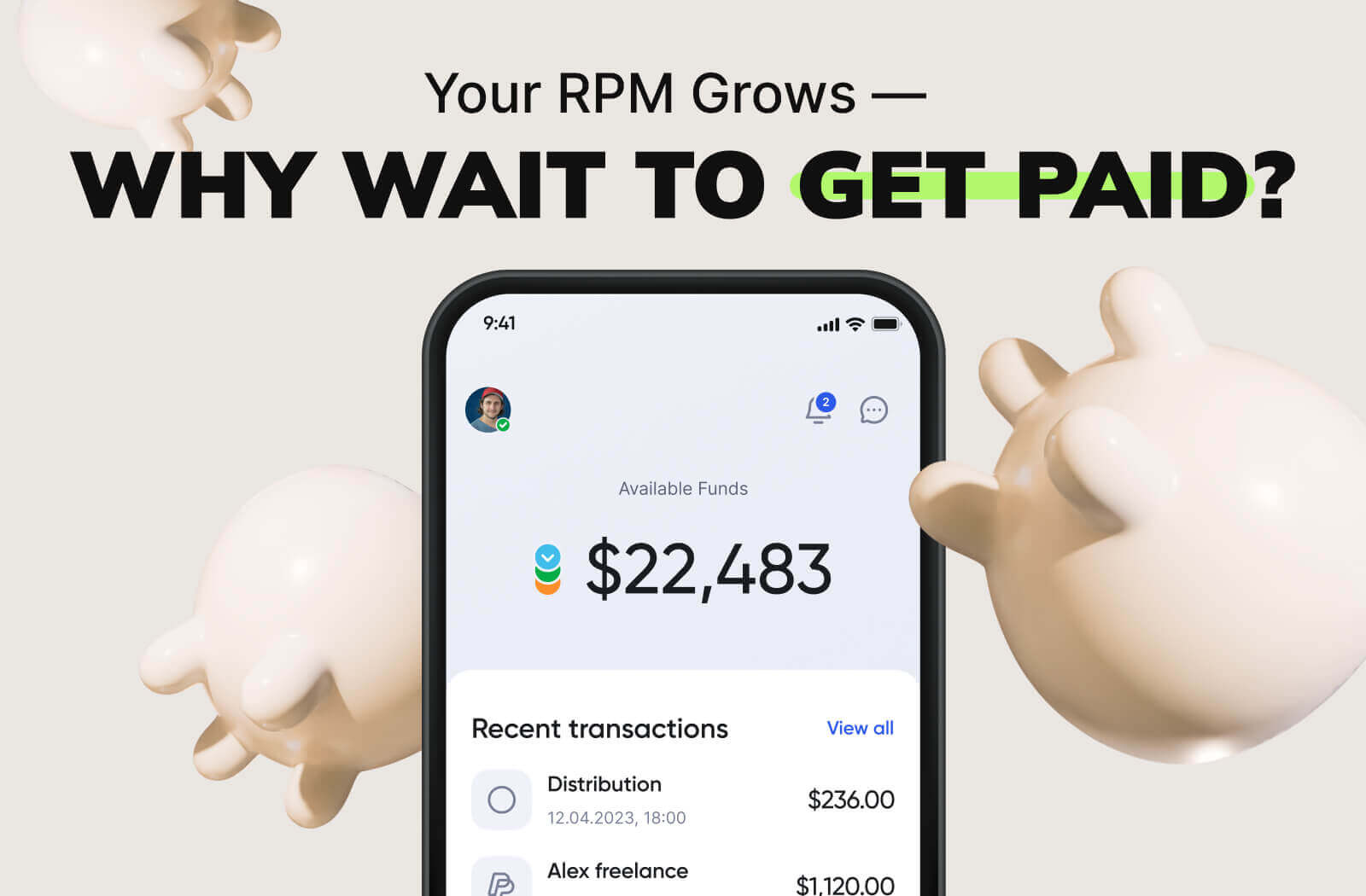
Your end screen boosts YouTube RPM over time. But your cash flow? That’s another story.
AdSense pays monthly, often weeks after the views come in. That delay slows down your ability to test, invest, and scale. Especially when one small tweak, like a smarter end screen, starts driving serious results.
This is where MilX steps in.
With MilX, you can:
- Cash out your YouTube income anytime.
- Choose from 40+ payout methods (card, wallet, bank, or crypto).
- Access future AdSense payouts up to 6 months in advance.
So while your end screen keeps viewers watching, MilX keeps your momentum going. You stay liquid, stay agile, and act on growth when it happens, not a month later.
You’ve optimized your content. Now optimize your revenue flow.
Try MilX for free and turn every boost in RPM into instant access.