


Reading YouTube analytics correctly is not the easiest thing. We've learned a thing or two working with hundreds of channels, so here's your blueprint.
This blog breaks down YouTube analytics tips that actually matter, from YouTube impressions vs views, to CTR, RPM vs CPM, and the one stat that tells YouTube to promote your video. Let’s dive in.
The Metrics That Make or Break Your Channel
YouTube gives you a flood of data. But only a few numbers directly impact your earnings. These are the ones to track.
Click-Through Rate (CTR)
Your YouTube click-through rate (CTR) tells you one thing: are people interested enough to click?
A 2% CTR means you’re being ignored. A 6–8% CTR? You’re doing great.
Where to check: Go to YouTube Studio → Analytics → Reach → Check your CTR.
Low CTR? It’s your thumbnail or title.
Test brighter colors, clearer faces, tighter text. Don’t just guess, run A/B tests with different thumbnails and monitor CTR in the first 48 hours.
Example: One creator switched from pastel thumbnails to bold close-ups. CTR jumped from 2.8% to 7.3% in one week.
Audience Retention
They clicked, now are they staying?
Where to check: Go to YouTube Studio → Analytics → Engagement → Audience Retention.
If viewers leave before the 30-second mark, you’re losing money. Literally.
Improve intros. Cut filler. Start with a question or big reveal.
Retention isn’t just a “nice-to-have.” It tells YouTube whether to promote your video or hide it.
RPM vs CPM
Understanding YouTube RPM vs CPM is key to tracking your income.
- CPM: What advertisers pay per 1,000 ad views.
- RPM: What YOU earn per 1,000 video views (after YouTube’s cut, and factoring skipped ads, memberships, etc.).
RPM is the real revenue number that matters.
If your CPM is high but RPM is low, your audience might be skipping ads, or worse, using ad blockers.
👉 Read more CPM and PRM metrics.
Average View Duration
This tells you how long people actually watch your video, not just that they clicked, but how far they made it.
Longer view time = better algorithm signals = more reach.
Where to check: YouTube Studio → Analytics → Engagement → Avg. View Duration.
Tip: Don’t just look at the number. Compare it to your total video length.
If your videos are 10 minutes long but viewers only stick around for 3, trim the fluff.
Example: A tutorial channel cut intros by 45 seconds and replaced them with fast-cut previews. Average view duration rose by 28%, and views tripled.
Traffic Source Breakdown
This one shows you where your views are coming from and what’s not working.
If you rely mostly on external traffic (social media, links, embeds), YouTube isn’t doing the work.
Where to check: Analytics → Reach → Traffic Source Types.
What to aim for:
- You want strong numbers from Browse, Suggested, and Search.
- If those are low, your content isn’t aligned with YouTube’s discovery engine.
Fix it with tighter titles, playlists, and SEO.
Viewers Per Impressions Shown
This is like CTR’s quieter sibling.
It tells you how many people watched your video after seeing the thumbnail, not just clicked, but actually stayed.
Where to check: Analytics → Reach → “Views per impressions shown”.
Why it matters: If people are clicking but not watching, it means the video didn’t deliver what the title/thumbnail promised. That kills trust and future CTR.
Subscriber Gain Per Video
You’re getting views, but are they turning into real fans?
Where to check: Analytics → Advanced Mode → Choose “Subscribers” as a metric. Sort by “Subscribers gained” and spot your best-performing videos.
Use it to answer:
- Which topics convert best?
- Which video length?
- What format drives loyalty?
Creators who scale know exactly which videos build their base, and double down on them.

Get Paid Before the Views Roll In
With MilX Active Funds, you can unlock up to 6 months of future YouTube income today. No credit score. No paperwork. Just instant access to your earnings. Try the MilX app, free to start, and made for creators like you.
YouTube Impressions vs Views: The Hidden Gap
YouTube impressions = how often your thumbnail was shown.
Views = how often people actually clicked and watched.
If impressions are high but views are low? CTR is your problem.
If both are low? YouTube isn’t promoting your video.
That means you’re missing algorithm signals like strong watch time, returning viewers, or playlist engagement.
Where to check: Analytics → Reach → Traffic Source → Check % from Suggested or Browse.
If most traffic is external, YouTube isn’t pushing you. Fix CTR, retention, and content structure to change that.
How to Read YouTube Analytics Like You Own It
You don’t need to be a numbers nerd to grow.
You just need to know what numbers matter, and where to find them.
Here’s how to read YouTube Analytics to actually grow subscribers and income.
👉 Read more about why the YouTube Analytics lie.

Spot Videos That Convert to Subscribers
Not all views are equal. Some videos go viral. Others build loyalty. You want both, but if you’re chasing monetization, subscribers matter.
Go to: Analytics → Advanced Mode → Sort by “Subscribers Gained”.
Now look for patterns:
- What topics brought the most subs?
- What video lengths or thumbnails worked?
- Did that video tease a follow-up or offer value early?
Tip: Look at your top 5 sub-generating videos. Then reverse-engineer their structure and calls to action.
If it worked once, it can work again, just in a fresh format.
Pro move: Add a mid-video CTA with a reason to subscribe:
- “Next video drops in two days, don’t miss it.”
- “We’re diving deeper into this topic in Part 2. Hit subscribe.”
Subscribers follow continuity.
Measure Returning Viewers (aka: Your Loyalty Score)
New views are great. Returning viewers? Even better. This metric tells you if people care enough to come back.
Go to: Analytics → Audience → Returning Viewers.
What’s good?
- Above 10% = sticky channel.
- Below 10% = people watch, then disappear.
Fix it by creating a reason to return:
- Turn videos into episodes.
- Tease what’s next at the end.
- Build recognizable series (e.g., “Tested on a Budget Ep. 4”).
Example: One finance creator swapped standalone uploads for a “$100 Challenges” series. Returning viewers doubled by episode 3.
Loyalty = algorithm fuel. Returning viewers signal trust, consistency, and long-term value, the stuff YouTube loves to boost.
Compare Top vs Bottom Performers
See what’s working, and what’s holding you back.
Go to: Analytics → Advanced Mode → Sort by Views or Watch Time.
Compare your top 5 and bottom 5 videos side by side.
Ask yourself:
- What did the best ones have in common?
- Was the pacing faster? Was the hook stronger?
- Did you use a different title format? Different thumbnail vibe?
This is how to read YouTube Analytics without guessing, find patterns, not just stats.
Tip: Check “Intro performance” using the Audience Retention graph. Do winners hook faster?
Break It Down by Traffic Source
Where do your views actually come from? Time to find out.
Go to: Analytics → Reach → Traffic Sources.
If most of your views come from:
- Browse → Your content aligns with the YouTube home page trends.
- Suggested → Your videos are binge-worthy.
- Search → You nailed the title/SEO.
- External → You’re doing the work (YouTube isn’t).
If YouTube isn’t pushing you, your retention or CTR might be off. Use this data to fix visibility where it matters.
Filter by Video Type or Format
Shorts, long-form, livestreams, what’s really pulling weight?
Go to: Analytics → Advanced Mode → Add “Video” filter → Group by Title or Playlist.
Now compare performance between Shorts, long-form, livestreams, or series.
You might find:
- Tutorials have higher watch time.
- Shorts have better CTR.
- Livestreams bring more Super Chats or members.
Use that insight to shift your upload strategy toward what pays.
Use the “First 24 Hours” Window
The first 24 hours decide your video’s future. Watch closely.
Most of a video’s long-term performance is shaped on day one.
Go to: Analytics → Overview → First 24–48 Hours.
Look at:
- CTR → Did the title + thumbnail hook?
- Retention → Did the intro hold attention?
- Traffic Source → Did YouTube even show it?
If numbers are weak early, tweak metadata ASAP, and test new thumbnails fast.
Monitor Playlist Performance
Playlists aren’t decoration. They’re your secret weapon for more watch time.
Go to: Analytics → Engagement → Playlists.
If your playlists have high average view duration and completion rate, that’s gold.
Tip: Use end screens, pinned comments, and links to push people into playlists, not just individual videos.
The result? Longer session time → more recommendations → more revenue.
Your Earnings, Your Way
Want full control over your income? With MilX, get paid anytime in 40+ currencies. Send YouTube earnings to your bank, card, wallet, or even crypto. No waiting. No stress.
Test Smart - Not Blind
Too many creators panic when a video flops. They change everything: title, thumbnail, script, even niche. Don’t do that.
Change one thing at a time and track results:
- Title = CTR.
- Intro = Retention.
- End Screen = Watch time and Session Duration.
- Series Format = Returning Viewers.
Use YouTube Studio tips to find what’s working. Log patterns. Repeat success.
Different Niches, Different Metrics
Not every channel wins with the same formula.
Here’s what to focus on by niche:
- Entertainment / Shorts → CTR > 8%, Retention > 50%.
- Education / Guides → Watch time 6–10 mins, saves & shares.
- Podcasts → Long watch time, even with low CTR.
- DIY / Recipes → Completion rate + comments.
- News / Analysis → Retention + active discussion.
Your goal? Match your content to the YouTube metrics that matter in your niche.
Analyze And Turn Data into Dollars with MilX
YouTube Analytics isn’t just numbers. It’s your strategy manual.
Creators who learn how to read YouTube analytics are the ones who grow, and earn, consistently.
You’ve got the analytics. You’ve got the content.
Now unlock the cash flow to grow faster.
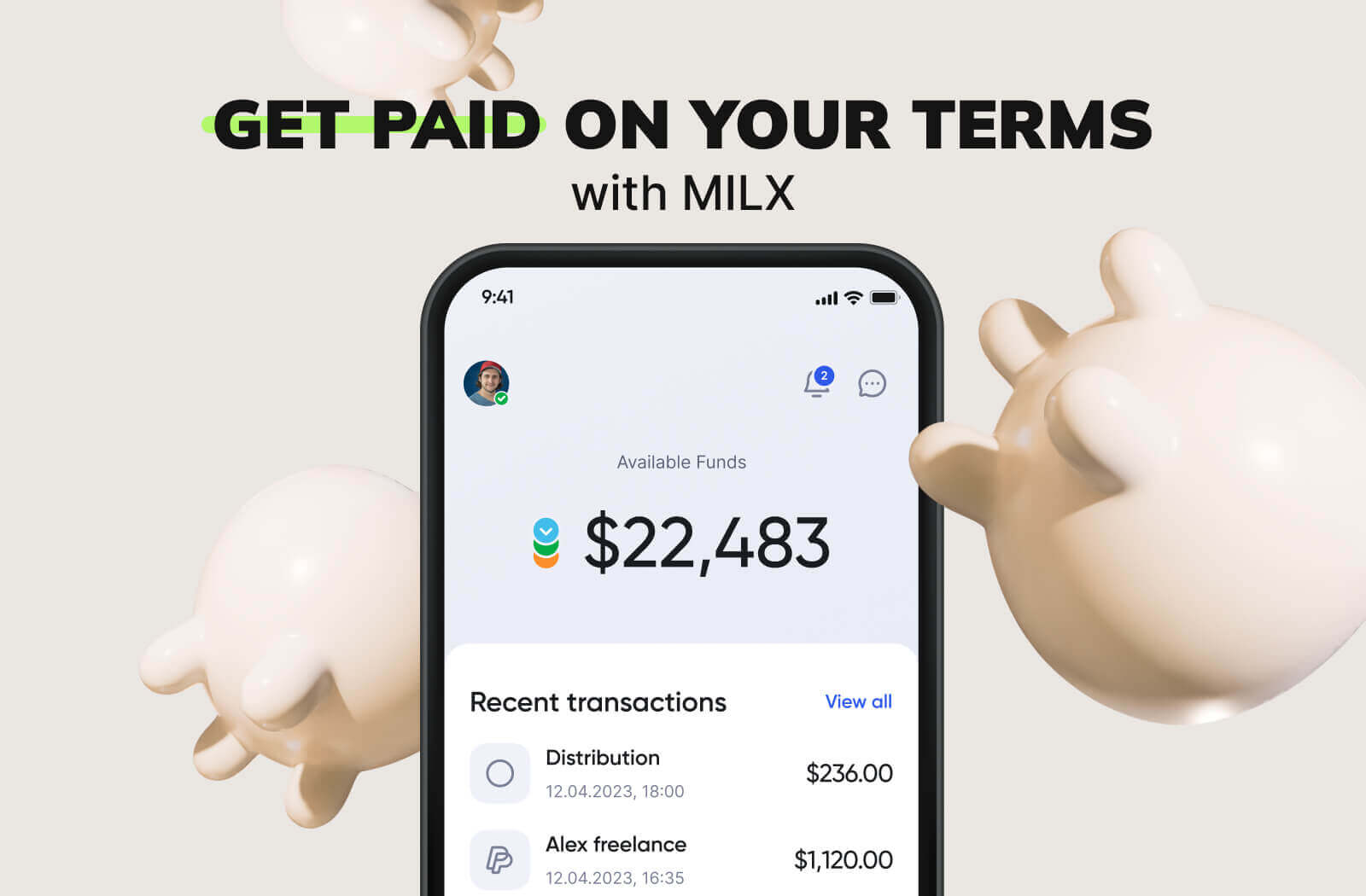
MilX Active Funds gives creators upfront access to YouTube earnings, up to 6 months in advance.
- No credit checks. No debt. No stress.
- Automatic 5% monthly repayment from future income.
- Withdraw in 40+ currencies, including crypto.
- Send free P2P payments to editors or team members.
- Choose how and when you get paid.
Whether you need a new mic, a freelance editor, or an ad budget for your next video series - MilX puts financial freedom in your hands.
Over 3,100 creators already use MilX to move faster and earn smarter.