


Your channel looks fine, but growth is flat, subscribers slowed, and watch time dipped. While RPMs are all over the place, still something is off, and you can feel it. This is where a YouTube channel audit might change everything.
This step-by-step YouTube channel audit checklist gives you the full picture, from video audit and retention fixes to YouTube SEO audit, monetization strategy, and even catching fake subscribers before they skew your data.
Start With One Question: Where’s Your Channel Leaking Growth?
Your content looks good, and your views seem okay. But something’s off: growth slowed, subs stalled, and watch time dropped.
👉 Explore how to increase the watch time of your videos.
Most YouTube creators hit this wall. That’s exactly why a YouTube channel audit on time matters.
Whether you’re running a full YouTube analytics audit, tightening your SEO metadata, or doing a focused YouTube monetization audit, the goal stays the same: fix what’s broken and double down on what drives growth.

Set Audit Goals and Choose the Right Time Window
You need to start with a purpose.
Are you trying to grow faster? Earn more? Improve retention? Fix SEO?
Your audit goals shape what to look for and what to ignore.
Once you’ve defined the goal, pick your time window.
- For quick health checks, 30 days is enough.
- For trend analysis, use 90 days or a full quarter.
To compare performance over time, use the “compare to previous period” filter in YouTube Studio.
Now find your benchmark. What was your strongest quarter in the past year? Use that as your baseline.
That’s your high watermark. The goal is to beat it.
Everything in your YouTube channel audit should help you understand how close (or far) you are from doing that again.
Audit Channel Positioning and Basics, Your Viewers See First
New visitors decide in seconds whether to stick around or bounce.
Your banner, profile picture, trailer, playlists, and channel description work like a storefront. They drive the first impression that turns a casual visitor into a subscriber.
Start with the essentials:
- Does the banner look sharp on mobile? 70% of traffic is mobile. If your text gets cropped or the design looks cluttered, fix it.
- Is your trailer short and focused? Under 60 seconds. If it rambles, cut it.
- Are your playlists curated by theme or outcome? Help new visitors find a clear path: Start here, watch this next, and explore this topic.
- Is the description clean and keyword-rich? Make sure your main content pillars, niche terms, and value prop are easy to scan.
This part of the YouTube channel audit checklist often gets ignored, but it’s one of the fastest ways to lift retention, replay value, and click depth.
A strong first impression sets the tone for binge-worthy behavior.
Audit Traffic Sources and Discovery Mix
Every YouTube channel audit should include a deep dive into traffic sources. This tells you how people find your content, and where you’re missing growth.
Strong channels balance four core discovery paths:
- Browse (Home, Subscriptions).
- Suggested (sidebar or post-video).
- Search (YouTube queries).
- External (social, embeds, websites, email).
Use YouTube Studio’s traffic sources report to break it down.
Browse and Suggested: What to Double Down On
If most views come from browse or suggested, your thumbnails, titles, and retention are doing the heavy lifting. That’s a good sign.
Run a YouTube thumbnail audit: What visuals are consistently driving clicks? Are top videos hitting a 5–10% CTR? Are poor performers missing contrast or curiosity?
Now open your video audit lens. Review those high-performing videos:
- What topic?
- What format?
- What hook in the first 30 seconds?
Use that to shape your next content sprint.
Search: What Queries Bring Views - and Which Don’t
This is where a YouTube SEO audit pays off.
In Studio > Analytics > Research, check the "Top search terms" report.
Are you ranking for relevant keywords? Are those search-driven videos getting decent watch time?
If not, your titles or descriptions may be off. Or you’re chasing keywords without actual demand.
A quick fix:
- Front-load your main keyword in the title.
- Use variations in tags.
- Include 2–3 search phrases naturally in the description.
If you're seeing low search visibility across the board, it’s time to audit videos one by one and fix your metadata stack.
This part of your YouTube channel optimization checklist directly impacts discoverability and compounds over time.
If your only traffic is from Browse or External, you’re relying on short-term spikes. A solid search strategy builds long-term views on autopilot.
Want more cash control?
MilX lets you unlock your future YouTube income today. Withdraw in 40+ currencies to card, wallet, bank, or crypto.
Audit Retention and Viewer Satisfaction Signals
Sometimes the problem is what happens after the click.
In any smart YouTube channel audit, retention is the make-or-break metric. Discovery gets people in. Retention decides if they stay, and if YouTube keeps showing your videos.
Start your YouTube analytics audit by reviewing:
- Average view duration (per video and channel-wide).
- Audience retention graph (Studio > Content > select video > Engagement).
- Key drop-off points across multiple videos.
These signals reveal what’s actually working, and what’s driving viewers away.
First 30 Seconds: Hook or Drop-Off?
If you lose viewers in the first 30 seconds, your intros are too slow, too vague, or too repetitive.
Audit videos with high bounce rates. Are you wasting time with intros, logos, or background stories?
Trim the fat, lead with value, and add captions or headlines upfront to reinforce context.
👉 Learn more about how to grab attention with your intros.
Retention by Segment: Where People Leave
Scroll through retention graphs. If there's a consistent drop mid-video, you’ve hit a friction point, weak transitions, off-topic tangents, or slow pacing.
Use timestamps to spot patterns.
Then fix the flow with:
- Visual resets (pattern breaks, B-roll, slides).
- Faster cuts or scene changes.
- On-screen text to tease what’s next.
Add this step to your YouTube channel audit checklist every month. Better retention = better rankings = more suggested traffic = more monetization potential.
And yes, stronger retention often translates into higher RPM. If you’re running a YouTube monetization audit, this part matters more than you think.

Audit Titles and Thumbnails for CTR Patterns
A great video can still flop if no one clicks. That’s why this step belongs in every YouTube channel audit checklist.
Your titles and thumbnails are your click engine. Weak CTR? The video dies before it gets a chance.
Run a YouTube thumbnail audit and title check inside YouTube Studio:
- Sort videos by highest and lowest CTR.
- Look at impressions vs actual clicks.
- Focus on CTR for videos with at least 5K impressions (to avoid skewed data).
Now audit what works. Ask:
- Color contrast? Do standout backgrounds beat muted ones?
- Bold text? Are your keywords readable on mobile?
- Curiosity hooks? Do your titles open loops that demand a click?
- Face close-ups? Are expressions helping drive emotion?
This is a video audit based on behavior.
Standardize the winning format. Build a thumbnail system that’s scalable, not random.
For titles, run a mini YouTube SEO audit:
Are your high-performers keyword-rich? Do they tease the outcome clearly?
If your CTR is under 3%, it’s time to rewrite and test.
And if a video’s CTR is decent but retention flops? That’s a mismatch between promise and delivery. Fix the disconnect.
In your next YouTube analytics audit, you’ll see the difference in clicks, watch time, and revenue.
Audit Your Content Library Formats, Series, and Upload Cadence
A healthy YouTube channel publishes with purpose.
As part of your YouTube channel audit, step back and look at the full content library.
Are you building a predictable viewer experience or sending mixed signals?
Start with the basics:
- Upload frequency - weekly, monthly, or erratic? If your schedule is all over the place, so is your audience's attention.
- Content pillars - what themes do you repeat? Are you doubling down on proven winners or guessing every week?
- Series vs one-offs - do multi-part videos perform better? Are standalone uploads getting buried?
- Short-form vs long-form vs Shorts - what format drives the highest retention and RPM?
Run a full video audit across your last 20–30 uploads. Categorize each by format, length, and topic. Look for patterns.
This is where both a YouTube analytics audit and a YouTube monetization audit overlap. The goal is better outcomes from each format.
If Shorts bring views but low RPM, they serve discovery. If long-form brings loyal subs and solid watch time, they drive depth.
Map your content accordingly, and make sure subscribers know what to expect.
A format that’s clear, repeatable, and valuable keeps people coming back.
Add this to your YouTube channel optimization checklist quarterly. When your format evolves with strategy, not randomness, growth feels inevitable.
Audit Monetization RPM Drivers and Revenue Streams Beyond AdSense
A YouTube channel audit isn’t complete without reviewing how your videos make money.
You’re optimizing for revenue per minute.
Start with your YouTube monetization audit inside Studio:
- Sort by top RPM videos.
- Look at common traits: Premium geos? Longer watch time? Mid-rolls?
- Are high-RPM videos tied to specific formats or topics?
Next, expand your video audit to spot what’s missing. RPM tells part of the story, but real income comes from stacking streams.
Run through your full monetization mix:
- Affiliate links - Are you placing them early in the description? Are top clicks linked to high-retention videos?
- Sponsorships - Which video types attract sponsors? Which integrations perform best?
- Merch and memberships - Are you actively promoting them in mid-content CTAs?
- Courses or digital products - Are evergreen videos driving conversions?
This step is essential in any YouTube channel optimization checklist, because low RPM isn’t always a content problem.
Want more control?
- Run this audit quarterly.
- Flag underperformers.
- Adjust placement.
- Add calls to action.
Need fast cash flow?
MilX Active Funds gives creators access to up to 6 months of AdSense payouts before the views even roll in. Try the free MilX app and take your earnings timeline into your own hands.
Audit SEO Metadata, Playlists, End Screens, and Internal Linking
A strong YouTube SEO audit is about visibility, structure, and viewer flow.
Start with metadata. Every video needs to send clear signals to YouTube’s algorithm.
- Titles: Front-load your main keyword. Keep it under 60 characters to avoid cutoffs.
- Descriptions: Use the first 200 characters to include primary keywords and value. That’s what shows above the fold.
- Tags: Add 5–8 tags that reflect real search queries.
- Captions: Auto-captions miss context. Fix brand names, acronyms, and jargon. Use manual captions where possible.
Now move to structural discovery, the internal linking layer.
- End screens: Do your top videos promote other content at the end? If not, you’re leaving session time on the table.
- Cards: Add them at high-retention points. Tease the next video when attention peaks.
- Playlists: Organize content into bingeable series. Use keyword-rich playlist titles and include new uploads to keep them fresh.
This part of your YouTube channel audit checklist makes your content easier to find and easier to stick with.
Good SEO brings traffic, and good structure multiplies it.
👉 Discover how to use SEO effectively.
And if you're tracking performance over time, make SEO part of your monthly video audit.
If your traffic from search is under 10%, or search impressions keep dropping, you’ve got clear SEO signals to fix.
Treat metadata and internal linking as part of your overall YouTube channel optimization checklist, not an afterthought.

Audit Audience Signals: Comments, Returning Viewers, and Community Posts
Views tell you what happened. Audience signals tell you why it matters.
Every YouTube channel audit should dig deeper than impressions. Your most valuable insights often come from engagement, loyalty, and viewer behavior patterns.
Here’s what to measure during your YouTube analytics audit:
- Likes and comments per view - Are viewers reacting, or just passing through?
- Reply rates on comments - Are you creating conversation, or dropping a CTA and disappearing?
- Percentage of returning viewers - If this is low, you’re getting traffic - not fans.
- Top geos and subtitle usage - Are you supporting your actual audience with the right captions and localization?
- Community tab engagement - Are people interacting with polls, updates, and teasers?
This part of your video audit helps you separate passive traffic from an active community.
If no one’s commenting, revisit your calls to action. Are you asking real questions? Are you pinning useful replies?
If returning viewers are low, your content may not be sticky, or your niche positioning is unclear.
Use this step to guide your next moves:
- What videos brought in subs but never brought them back?
- What content triggered the most meaningful replies?
- Are international viewers underserved in your channel setup?
If your goal is long-term monetization, this audit is non-negotiable. You don’t build recurring income from one-time viewers.
Add this to your YouTube channel optimization checklist every quarter.
It’s where fanbase building begins, and where content loyalty gets measured.
Turn Findings Into a 30-Day Action Plan With Weekly Checkpoints
A YouTube channel audit is only useful if it leads to action.
Break down your findings into three clear buckets:
- Quick wins: Swap weak thumbnails (based on your YouTube thumbnail audit), tighten up video descriptions, and fix outdated playlists. These small edits take minutes but lift CTR and session time fast.
- Medium tasks: Rewrite underperforming titles with better hooks and keywords (from your YouTube SEO audit). Cut slow intros and sharpen CTAs to boost retention and engagement.
- Big moves: Plan new content formats based on what worked in your video audit. Build a short-form strategy if your long-form retention is weak. Overhaul SEO if search traffic keeps dropping. These require more time, but drive long-term growth.
Now turn these into a 4-week sprint. One major focus per week:
- Week 1: Visual fixes (thumbnails, end screens, banners).
- Week 2: Metadata + SEO (titles, tags, descriptions).
- Week 3: Content flow (intros, hooks, retention segments).
- Week 4: Monetization and distribution (RPM drivers, CTAs, affiliate structure).
This turns your YouTube channel audit checklist into a real growth system:
Audit → Optimize → Measure → Repeat.
And as you apply changes, don’t forget to layer in your YouTube monetization audit. Higher retention + stronger CTAs = better revenue.
Want to track if it’s working? Use Studio to measure CTR, RPM, and returning viewer growth every Friday.
Small changes compound fast when you commit to weekly checkpoints.
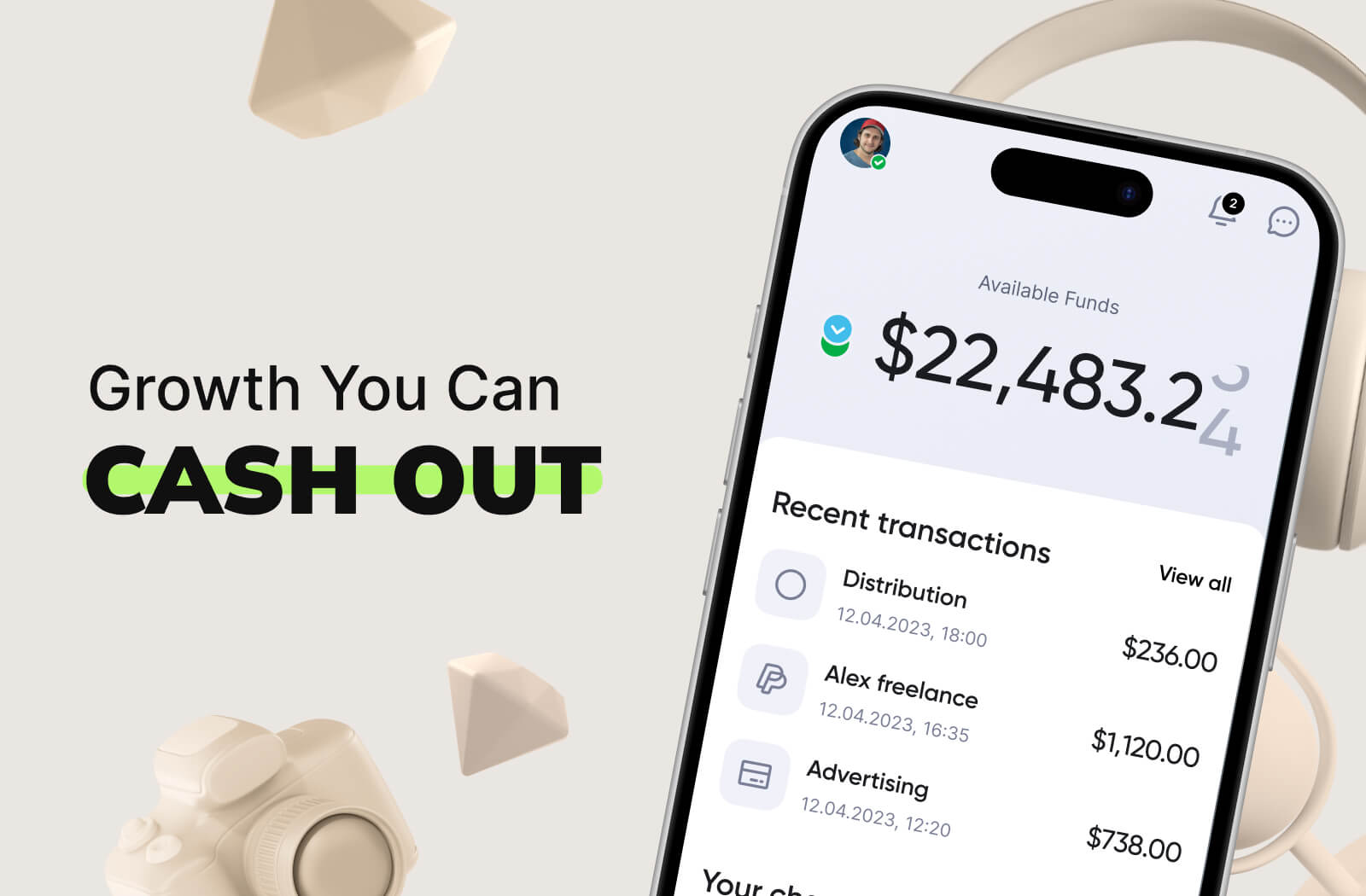
Cash Out the Impact With MilX
Your YouTube audit doesn’t end with better graphs, but when the income hits your account.
Every fix in format, SEO, retention, or thumbnails shifts your revenue.
The real question: how fast can you unlock that income?
MilX makes it instant.
Instead of waiting weeks for AdSense, MilX lets you:
- Access up to 6 months of future YouTube payouts with Active Funds.
- Withdraw earnings on your terms.
- Get paid in 40+ currencies to a card, bank, e-wallet, or crypto.
- Free up cash for content, gear, promotion, or your next hire.
Your strategy updates weekly. MilX makes sure your cash flow does too.